 Locked Lessons
Home › Guides › Escape rooms in a homeschool
Teaching guide
How to use digital escape rooms in a homeschool
Homeschooling parents are teacher, marker and timetable all at once, and anything that saves marking without losing rigour is worth a look. Self-checking digital escape rooms are one such tool. This guide covers the practical side: what you need, how to fit rooms into a week, how to use them with children of different ages, and what to do with what you learn.
Why they work well at home
At home the bottleneck is usually you. While one child needs help with long division, another is waiting for you to check their reading. An escape room checks itself: each of its seven locks opens only when the answer is right, so a child can work on their own and know straight away whether they have understood. You do not need an answer key, and there is nothing to mark afterwards.
The rooms also give a clear finishing point. A child who escapes has shown that they can recall the names, places, words or events the room covers, which is a more definite result than "I've read it".
Setting up
You need a browser and a link. The rooms run on a Chromebook, laptop or tablet with no logins, no accounts and nothing to install, which also means there are no children's email addresses to manage. Progress is saved in the browser, so a room can be finished another day; that saved progress belongs to the device and browser, not the child, so if two children are doing the same room it is easiest to give each their own device or browser profile. Some families prefer to put a room on the television and solve it together, which works well with younger children.
Teaching several ages at once
Classical homeschools often study the same period or story at several levels at once, and the rooms can follow that pattern. While an older child reads the Odyssey in translation with the Odyssey rooms, a younger one can meet the same heroes in the Greek heroes rooms. The roots rooms come in bands from grades 4–5 to high school, so siblings can each work on roots at their own level in the same lesson.
Pairing an older and a younger child on one room also works: the older reads the clues aloud, and the younger often spots names first.
A rhythm for the week
A simple pattern is to read through the week and use a room at the end of it. A child reading Treasure Island might read a few chapters a day and do the room for that section on Friday. The books on the site are split into sections of a few chapters, so a room arrives about once a week at a comfortable reading pace. For Latin, the seasonal rooms make a natural review at Halloween, Christmas, Easter and the end of the year.
Using what the room tells you
Sit nearby for the first few rooms and watch where your child slows down. If the who's-who lock is a struggle, they have lost track of the characters, and a quick conversation about who is who will help more than rereading everything. If the crossword is easy but the odd-one-out lock is not, they know the facts but have not yet connected them.
When a room is finished, ask your child to explain the final answer aloud and why it fits. That turns a puzzle into a short narration, and you will hear whether they understood the story or just guessed well.
Keep it a game
Rooms work best when they feel like a reward for reading rather than another test. Let your child choose when to do the room for the book they have just finished, and let them try again if they get stuck; the locks do not run out. If a lock defeats them, that is useful information, not a failure: look back at the chapter together, then let them have another go. Children who enjoy the format often ask for the next room, which is a good reason to keep reading.
Resist the temptation to use every room for every book. One room at the end of a section, or at the end of a book, is plenty, and leaves time for the conversations, copywork and drawing that make up the rest of a good week.
Co-ops and small groups
In a co-op class, project a room and let teams take turns calling out answers, or give pairs a device each and see who escapes first. Because there are no accounts, a visiting child can join in with nothing to set up. Every room has free taster locks that anyone can try with a class, with no sign-up. Members get all seven locks of every room and a private class link to share.
Rooms to try
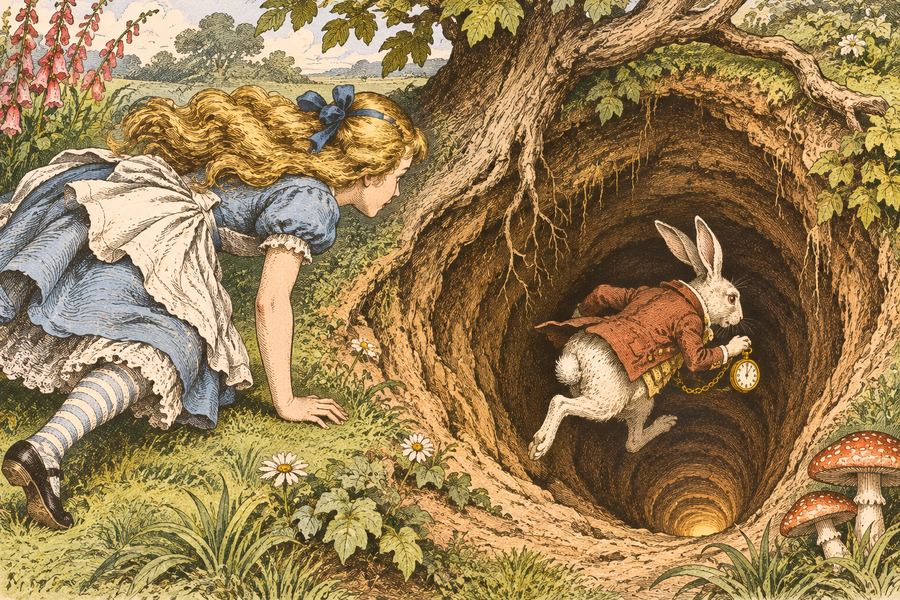 Alice's Adventures in Wonderland · Chapters 1–3The Little DoorFree taster
 Greek Myths: The Gods · The Titans and the OlympiansWar in the HeavensFree taster
 Grades 4–5 · RootsThe Broken BridgeFree taster
 Treasure Island · Chapters 1–6The Old Sea DogFree taster
 C. S. Lewis · Book 1The Lion, the Witch and the WardrobeFree taster
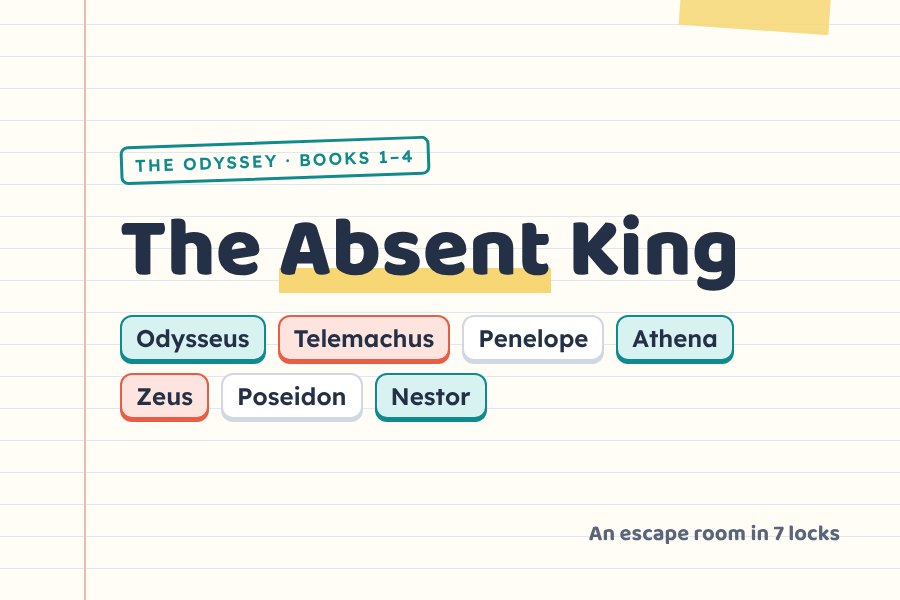 The Odyssey · Books 1–4The Absent KingFree taster
Questions
Can siblings share a device?
Yes. They can take turns or work on a room together. Progress is saved in the browser rather than to a person, so two children doing the same room at the same time should each use their own device or browser profile.
How long does a room take?
About one lesson. Most students take 30 to 45 minutes on a room about a book, and a room can be split across two sittings because progress is saved.
Do I need to check the answers?
No. Every lock checks itself and opens only when the answer is right, so there is no answer key to keep and nothing to mark.